
^ Glide for tutorials^
Developed through real project use and refined based on client requests.
⚠️ Important: To use Roof Pitch & Level Indicator at full capacity and keep it linked to the Roof geometry, install the free Accessories Add-On for your Archicad version from the official Graphisoft website.
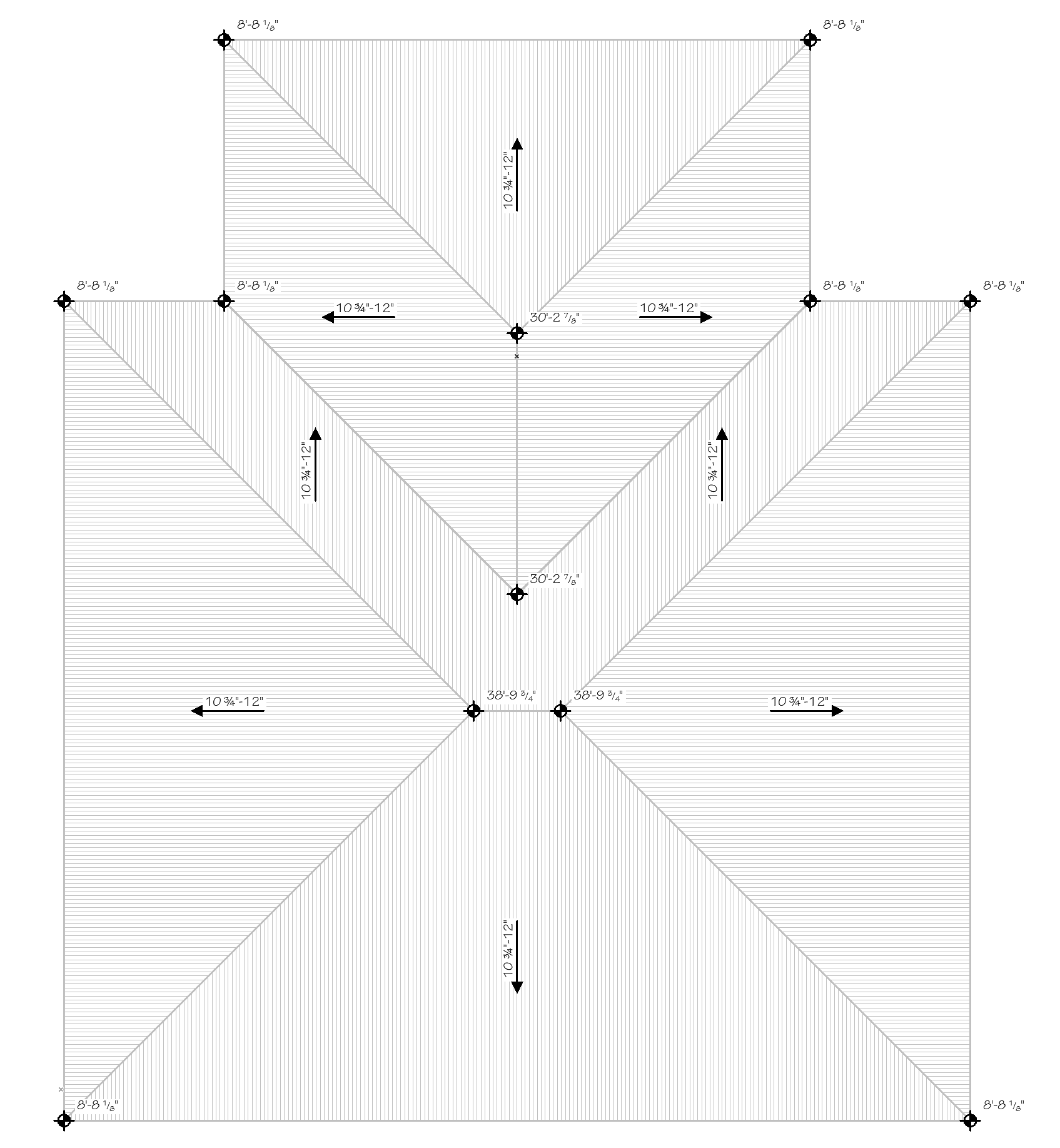
Select one or multiple roofs in your Archicad project.Attach the Roof Pitch & Level Indicator to the selected roofs via Archicad’s Accessories Add-On. Pitch symbols automatically align with the roof slope and can display degrees or US pitch in decimal or fractional format.Roof levels can also be displayed automatically at roof corners and geometry nodes, using your preferred metric or imperial format.Up to four pitch symbols can be displayed on each roof and positioned independently where needed.Adjust text, pens, fills, background fill, arrow styles, level display, and other graphical settings through the object settings and editable hotspots.Result:Consistent and precise roof pitch and level annotations generated directly from the roof geometry, reducing repetitive manual documentation.